

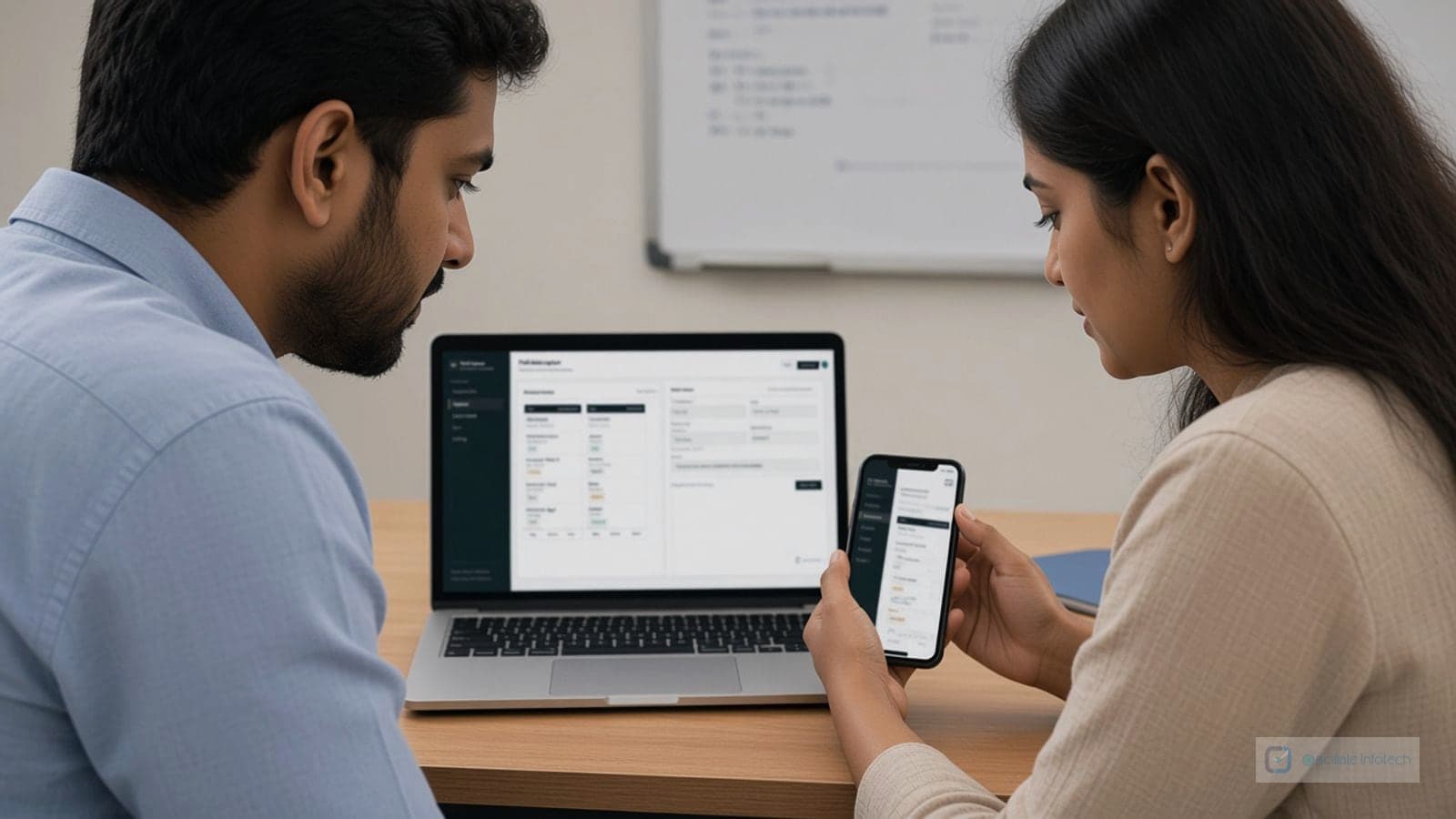
Mobile makes sense when people already work away from a desk and are juggling paper, photos in personal phones, and late-night data entry back at the office. It fails when the “app” is just a shrunken website nobody can use with gloves or one hand.
Problem-first example
A property inspection team might complete checklists on paper, photograph issues on personal devices, and retype findings into a shared Excel file for the client report. Errors and delays show up at handoff: wrong unit numbers, missing photos, version confusion. That is a realistic mobile use case: structured checklist, camera tied to the line item, offline queue, sync when back on Wi-Fi.
Outcome pattern
In projects shaped like that, the measurable win is usually fewer rework cycles and faster report turnaround, not a generic “productivity boost.” Start with one role and one workflow; prove data quality and adoption before adding features.
When Mobile Apps Make Sense
Consider mobile app development when:
- Your team needs access to systems while away from the office
- Field workers need to input data or access information on-site
- Customers need direct access to services or information
- Live updates and notifications are critical
- You want to improve employee productivity on the go
Key Benefits of Mobile Apps
Mobile applications offer several advantages:
- Accessibility from anywhere with an internet connection
- Native device features like GPS, camera, and push notifications
- Offline functionality for areas with poor connectivity
- Improved user experience with touch-optimized interfaces
- Better engagement through push notifications
Platform Considerations
When developing mobile apps, you'll need to decide between:
- Native apps: Built specifically for iOS or Android, offering best performance
- Cross-platform apps: Single codebase that works on both platforms
- Progressive Web Apps: Web-based apps that feel like native apps
The right choice depends on your budget, timeline, and specific requirements. Many businesses start with cross-platform solutions to reach both iOS and Android users efficiently.