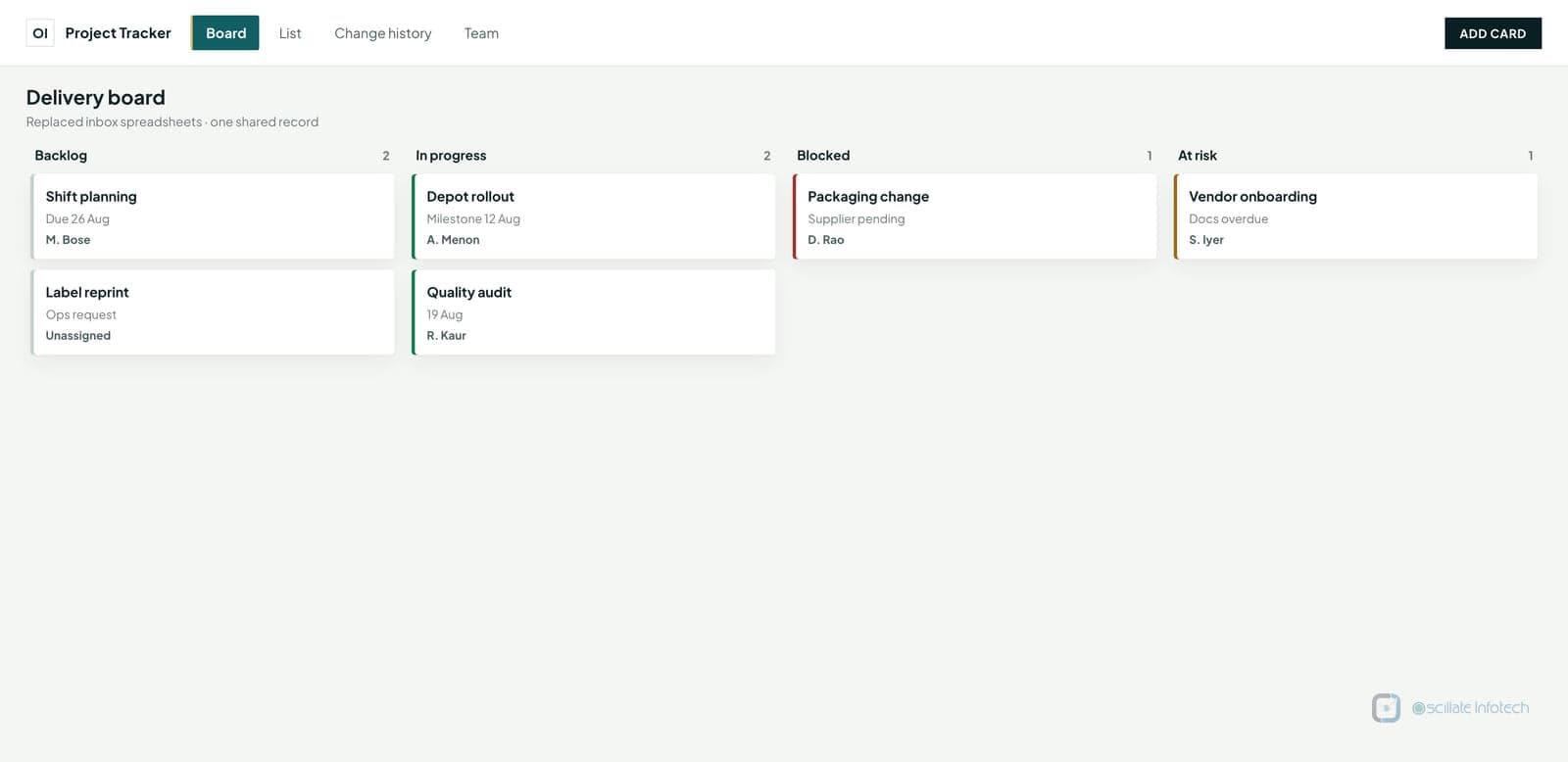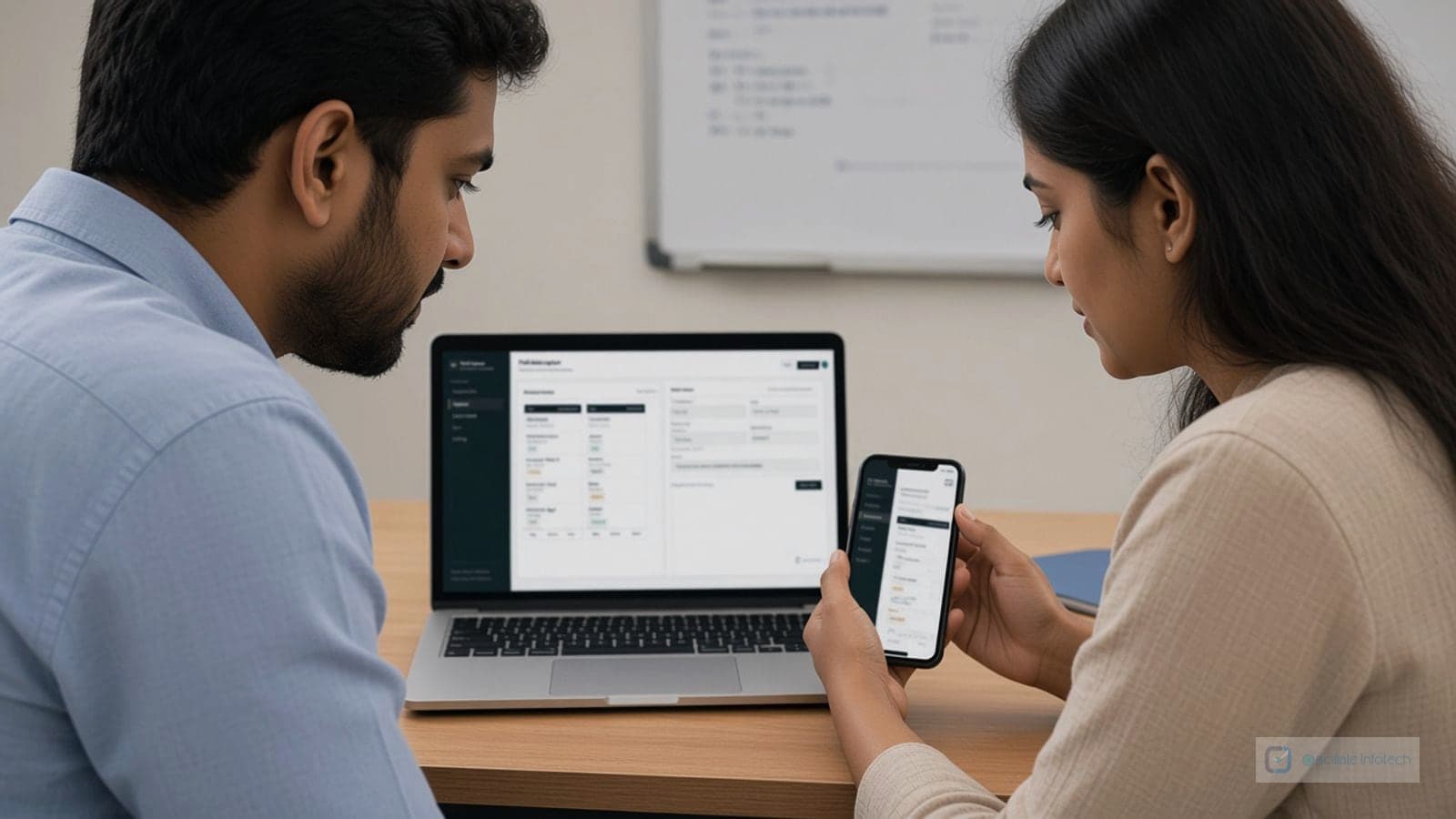
Spreadsheets are flexible until they become production systems: macros nobody understands, columns that “must not be sorted,” and no audit trail when a number changes. Desktop apps are a middle ground between Excel chaos and a full web platform.
Realistic pain point
A small manufacturer might run production scheduling from a large workbook: lookups, conditional formatting, and a few fragile macros. Only one person fully trusts it; backups are informal. When they are sick, scheduling stalls. That is a common trigger for a dedicated desktop tool on the LAN.
What the replacement typically does
In a composite build, forms enforce required fields and valid combinations, business rules live in code instead of hidden formulas, and versioned data sits in a database with backups. Users keep a familiar Windows workflow; the company gains consistency and someone other than the author can operate the system.
The Limitations of Spreadsheet-Driven Processes
Spreadsheets work well for simple tasks but struggle with:
- Complex business logic and calculations
- Multi-user collaboration and data conflicts
- Data validation and error prevention
- Automated workflows and processes
- Integration with other business systems
What Custom Desktop Applications Offer
Custom desktop applications provide:
- Structured workflows: Guided processes that prevent errors
- Data validation: Automatic checks to ensure data quality
- User-friendly interfaces: Designed specifically for your team's needs
- Automation: Eliminate repetitive manual tasks
- Reliability: Built to handle your specific use cases
Common Use Cases
Custom desktop applications are ideal for:
- Inventory management: Track stock levels, orders, and suppliers
- CRM systems: Manage customer relationships and sales pipelines
- Job tracking: Monitor project status and resource allocation
- Data entry tools: Structured forms that prevent errors
- Reporting systems: Generate consistent reports automatically
When to Consider Custom Applications
Consider custom desktop applications when:
- Spreadsheet processes have become too complex
- Multiple people need to work with the same data
- Errors from manual entry are causing problems
- You need better reporting and visibility
- Processes need to be standardized across the team
Custom desktop applications are built for years of daily use, not demos. They are designed to be reliable, maintainable, and tailored to your specific business needs.