Teams often ask for “an app” without settling who uses it, from where, and whether the work can tolerate an offline blip. The right platform is a logistics question as much as a technology one.
Two realistic scenarios
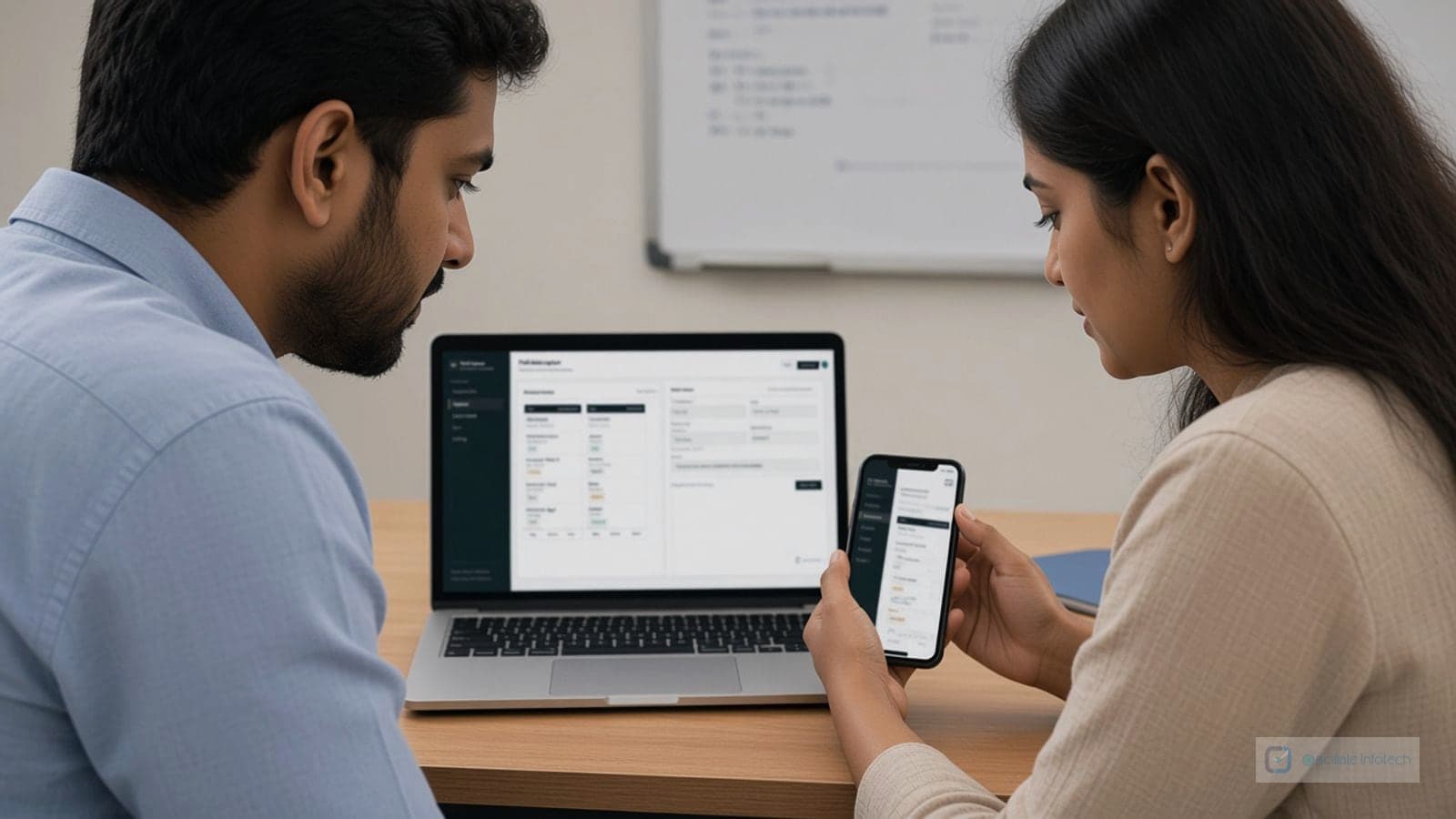
Scenario A: Drivers and site supervisors need to confirm deliveries and upload photos from phones; managers need the same data in the office the same day. A web app (or progressive web app) with a solid connection model usually fits: one deployment, no installs, access from any device.
Scenario B: A quality station on the plant floor reads barcodes, talks to scales and label printers, and must keep running if the internet drops for an hour. A desktop or thick client on the LAN, with queued sync when connectivity returns, is often the safer pattern.
How teams decide
In composite projects, we map each user type, where they work, and what must work offline. If the answer is “mostly online, many locations, few local devices,” web leads. If the answer is “tight hardware integration or offline is mandatory,” desktop or hybrid leads. Guessing wrong means either fragile workarounds or an install burden you did not need.
Web Applications
Web apps are ideal when:
- Multiple users need access from different locations
- You want automatic updates without user intervention
- Cross-platform compatibility is important
- You need centralized data management
Desktop Applications
Desktop apps work better when:
- Offline functionality is required
- You need direct access to local files or hardware
- Performance is critical for complex operations
- Users work primarily from a single location
Hybrid Approaches
Many businesses benefit from hybrid solutions:
- Desktop app for data entry with web sync
- Web dashboard for reporting with desktop tools
- Mobile apps connected to web backends
The right choice depends on understanding your users' workflows and requirements. Often, a combination of both provides the best solution.