Most of the work we still see in Indian SMEs starts in Excel. That is not a failure. Pricing sheets, commission models, a quick stock check before a dispatch call - those belong in a workbook. The trouble begins when the same file is also the place where orders are “booked,” stock is “updated,” and last month’s numbers are argued over in email.
Leave it in Excel when that is still honest
Keep the spreadsheet if one person (or two who trust each other’s edits) owns it, the cycle is occasional, and a wrong cell is caught before it leaves the room. Draft budgets, what-if pricing, a temporary tracker for a tender - these do not need a login screen. Building a web app for every table is how projects get expensive and unused.
If the file dies when that person is on leave, that is a staffing risk, not automatically a software project. Sometimes the fix is documentation and a second trained user.
Where VBA actually helps
VBA is worth writing when Excel is already the hub and the same steps burn half a morning every week. A familiar pattern: three CSV exports from billing or the warehouse, a mapping sheet for customer names that never quite match, a filter for odd rows, then a formatted pack for the owner. Doing that by hand through busy season is where the 10-15 hour weeks come from - not from “Excel being wrong,” but from repetition with no guardrails.
Keep macros small and owned. Import, check, format, send. Surface errors on the sheet so someone sees them before the Monday meeting; silent On Error Resume Next is how wrong numbers travel. Automate one painful process first. A single mega-workbook full of buttons nobody can open in the VBA editor becomes the next single point of failure.
VBA will not fix concurrent editing, permissions, or an audit trail. If those are the real requirements, stop pouring money into macros.
When the workbook is the operational risk
You usually know before anyone says “modernize”:
- Copies named
Final_final_v3.xlsxin WhatsApp and shared drives - Someone sorts a column and half the formulas point at the wrong rows
- A supplier changes an export layout and Friday’s report is empty with no alert
- Approvals and “who changed this quantity” matter, and the sheet cannot answer
- Peak season produces more spreadsheet incidents than quiet months
At that point another macro often makes the dependency worse. You are papering over a multi-user process with a single-user tool.
Moving the system of record to a shared app
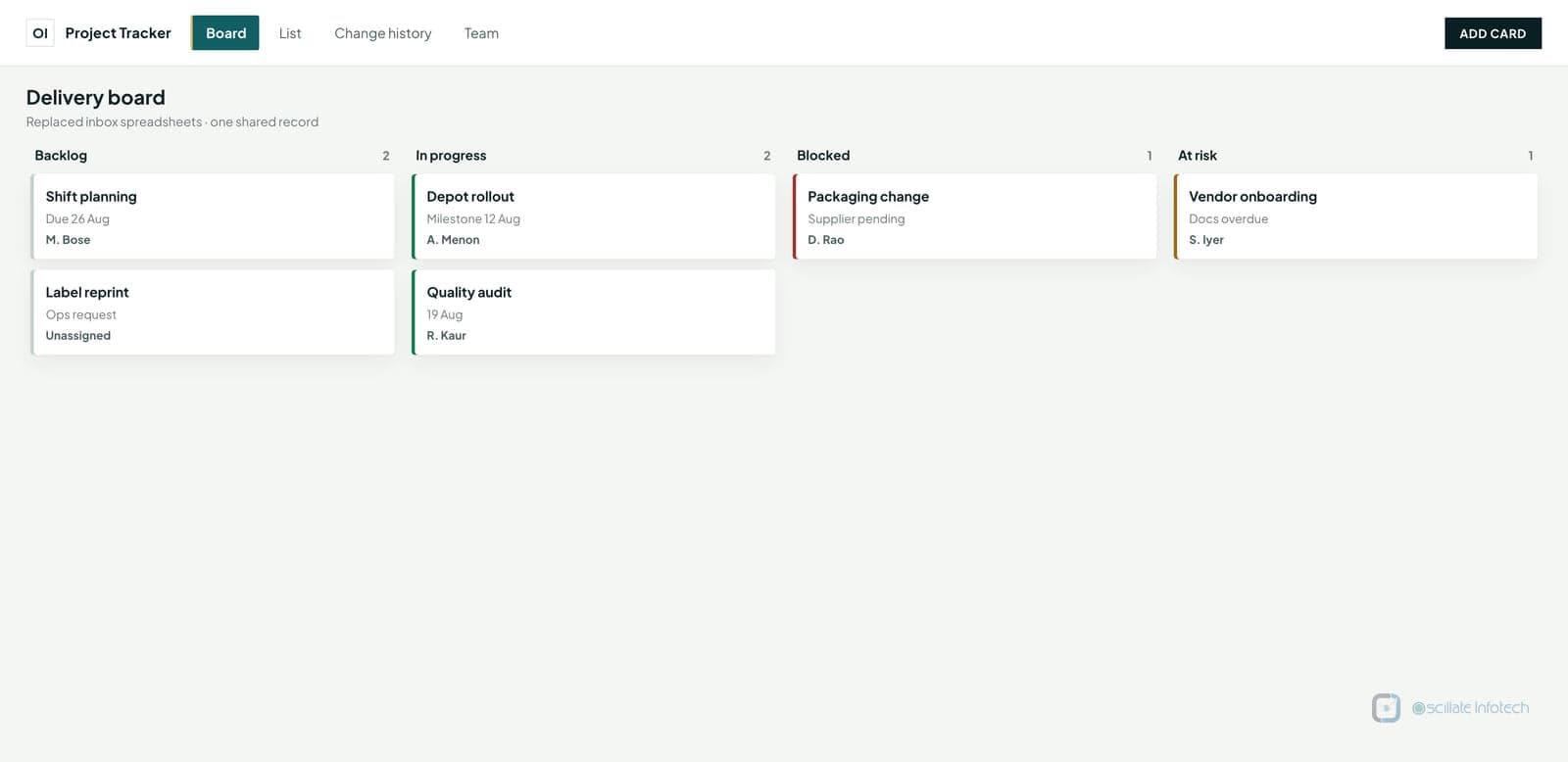
Migrate when several people must edit the same operational data in the same day, when a branch or remote desk cannot depend on one file share, or when the weekly report has to mean the same thing every time. Examples we see repeatedly: capacity planning mailed around as attachments; an order book rebuilt from inbox dumps; inventory that exists in three workbooks and a whiteboard.
Analysis can stay in Excel. Export a clean slice from the shared app and let people pivot it. What should leave the file is the authoritative row - who ordered what, what stock remains, which invoice went out.
Migrating without stopping the business
Do not rewrite everything on day one. Write down the entities and who may touch them. Decide which reports must match the old numbers during parallel run - finance will not trust a dashboard that disagrees with last quarter’s Excel total.
Ship a read-only view first. Then open data entry for one team. Retire the old path file by file, not in a speech. Parallel running is boring and necessary; cut over by team so support is not answering every desk at once. Keep a rollback: if the new screen blocks dispatch, the old workbook process must still work that afternoon.
VBA and temporary exports are fine as a bridge. The goal is a dull first release - one core workflow, named owners for code and data - not a platform announcement.
What we do at Oscillate Infotech
We spend a lot of time in this grey area: keep Excel, tighten it with VBA, or move the shared piece into a small web or desktop tool that matches how the floor actually works. That is the Excel automation and spreadsheet-to-web work on our services list - not a pitch to replace every sheet. If you are unsure which stage you are in, the useful ask is a short written look at one process and where the breakage actually is.