

Situation
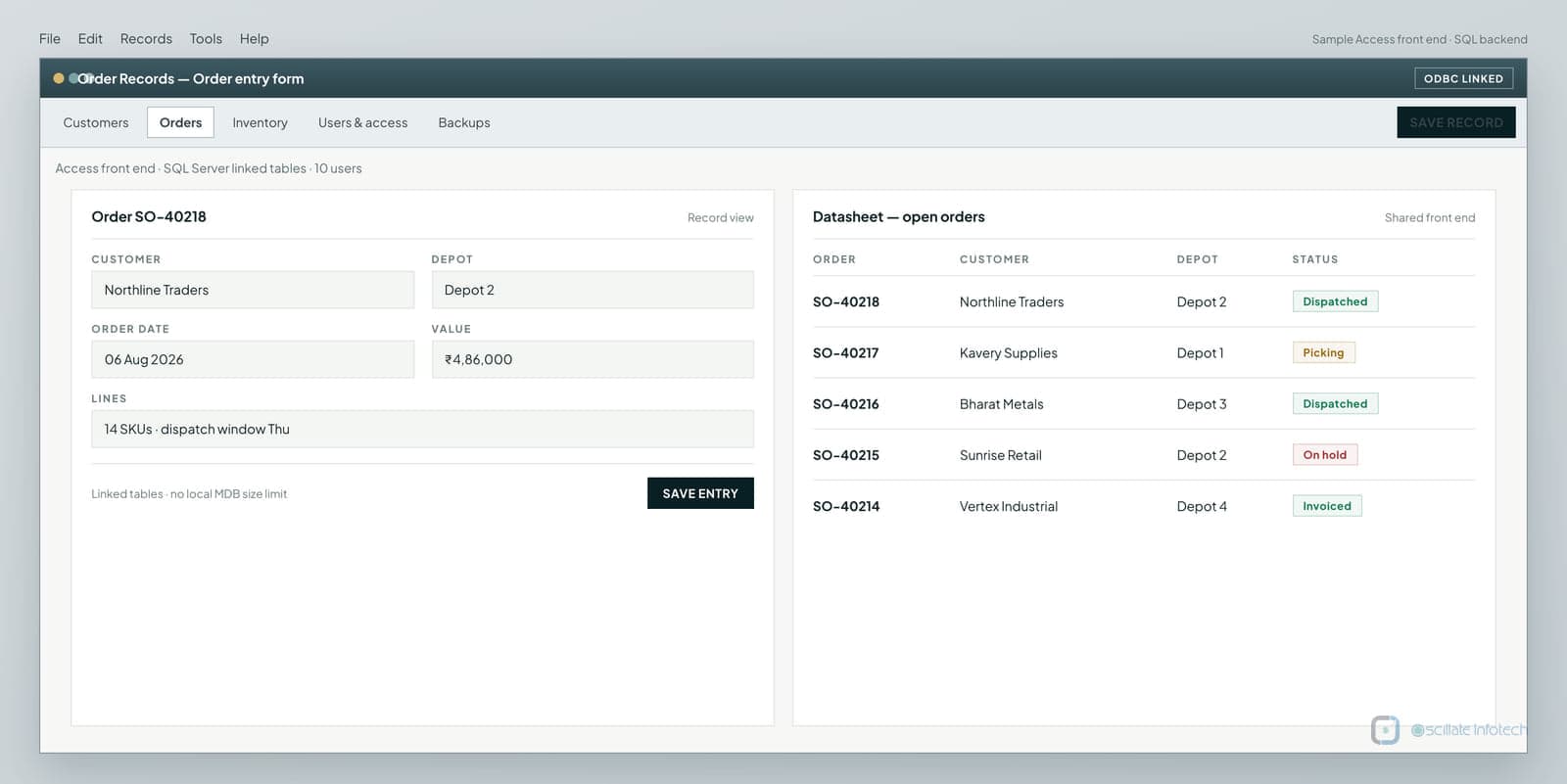
A distribution office runs day-to-day order entry, dispatch status and basic stock checks in a shared Microsoft Access application. The front end is familiar: forms the desk already knows, reports that match how supervisors review exceptions. The data file lives on a network share. That arrangement worked when the team was smaller and the file was well under the Access practical ceiling.
What was breaking operationally
Under concurrent use the same symptoms keep returning: record locks during peak entry, intermittent freezes, and repair cycles after compact attempts. The backend Accdb is close enough to the 2 GB Access limit that growth is no longer abstract. Operators invent local copies “just to finish the afternoon,” which quietly forks the truth. Remote or VPN users make the file-share model worse. None of this is a mystery bug in a single form - it is the file-based multi-writer model carrying traffic it was not designed to host.
Constraints
- Budget and change capacity rule out a full rewrite of every form and report in one programme.
- The order desk must keep working during transition; a weekend cutover with unproven screens is unacceptable.
- Staff training time is limited - retaining Access forms materially reduces adoption risk.
- Cloud SaaS order systems were considered; licensing, process fit and retraining cost outweighed benefit for this stage.
- Historical order data and report layouts must remain reconcilable after the move.
Options considered
- Keep repairing and compacting the shared Accdb
Buys days, not years. Compacts do not raise the architecture ceiling or fix concurrent write contention.
- Replace Access entirely with a new web or desktop app on day one
Correct end-state for some firms, but highest delivery and training risk while the desk is already unstable.
- Upsize data to SQL Server; keep Access as a linked front end
Removes file-size and most locking limits, keeps known screens, and leaves a path to replace forms later in phases.
- Move straight to a packaged cloud ERP/order module
May fit later; rejects the constraint that process fit and retraining cannot dominate this intervention.
Decision and rationale
What was built
- SQL Server database with tables mapped from the Access schema, indexes on hot lookup and join paths, and basic integrity constraints where the old file relied on habit.
- Relinked Access front end (ODBC / DSN-less connection) so existing forms and reports continue against the server.
- Validation and migration scripts with row-count and spot reconciliation checkpoints before cutover.
- Scheduled backups and a restore drill note - compact-and-hope is no longer the recovery plan.
- A short runbook for reconnecting workstations and verifying the first week of order entry.
Before
- Operators open a shared Accdb on a network path
- Concurrent writes contend on file locks
- Compact / repair cycles after instability
- Local copies appear when the share misbehaves
After
- SQL Server holds the system of record
- Access forms talk over ODBC linked tables
- Scheduled database backups with restore notes
- Optional later replacement of individual forms
Delivery and transition
Work proceeds in parallel with the live Accdb: schema mapping and test restores first, then a rehearsal migration into a staging database, then a controlled cutover window with rollback to the previous file backup if reconciliation fails. Operators keep the same forms; IT changes the connection, not the muscle memory. Post-cutover watch focuses on peak concurrent entry and overnight jobs, not vanity dashboards.
Expected operational changes
These are the operational changes this design is meant to produce. They are not published as measured client results.
- File-size ceiling stops being the growth limiter for order history.
- Peak concurrent entry no longer depends on a single network Accdb lock manager.
- Backup and restore become a database operation with a tested path, not an informal compact ritual.
- A later phase can replace individual Access forms with web or desktop screens without another data migration.
What remained deliberately unchanged
- Order-entry and dispatch form layouts staff already know (phase one).
- Business meaning of core fields - SKU, customer, quantities, statuses - carried across with mapping, not reinvented labels.
- Who owns operational decisions on the desk; the system change does not invent a new org chart.
- Any upstream ERP or accounting feeds not in scope for this phase remain manual or as previously integrated.